

Our Not a Moment lost service gives you a personal online photo gallery, easily accessible with a QR code for all your friends and guests to upload their amazing photos and videos from your wedding day, party, holiday or any other event!
Now you are sure that you will not miss a moment!
How is it done?
Step 1

Capture
Everyone has a smartphone these days and your guests will be taking lots of photos and videos on the day of the event.
Step 2

Share the photos
Display your unique QR code on a stand or on a printed card at the event venue, on the reception tables, etc. so that your guests can scan the QR code and upload their photos and videos.
Step 3

Enjoy the memories
Scroll through the photos and videos of the day everybody has shared, download them or share them with other friends.
You and your guests don’t need to install a mobile app or create an account to log in to in order to use the service.
ARE YOU INTERESTED?
Try it yourself!
Scan the QR code with your phone to test our service live.
- Scan the QR code.
- It will take you to your event page where you have the options “Upload Photos & Videos” and “View Photos & Videos” and the QR to show to your friend beside you.
- “Upload Photos & Videos” will take you to the “ADD PHOTOS” option of the service, simply click the button and upload your photos or videos. When the uploads finish, click “DONE” on the up right corner and it will take you view the gallery
- “View Photos & Videos” will take to view the gallery from where you can share the photos & videos or download them to your device.
Upload a photo or video directly, remember this is a PUBLIC gallery to which EVERYONE who has the QR code of this page has access and can share and download the images & videos
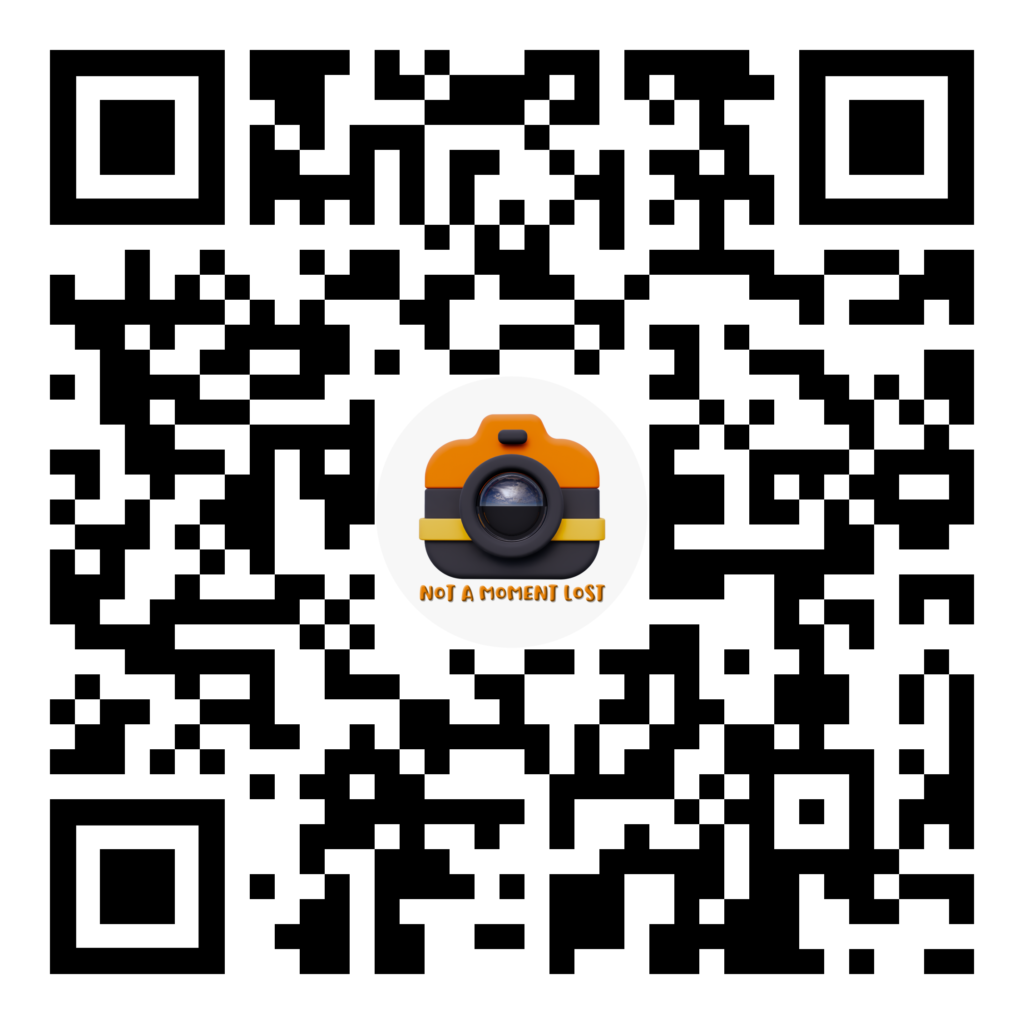
SCAN AND TRY
DID YOU LIKE IT?
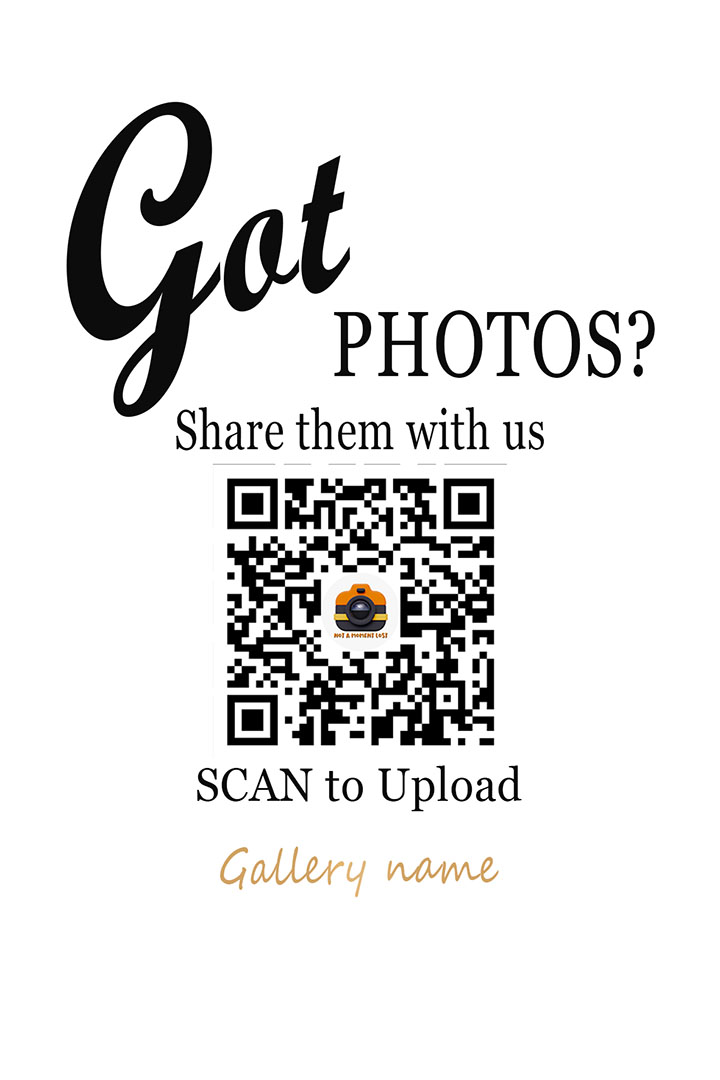
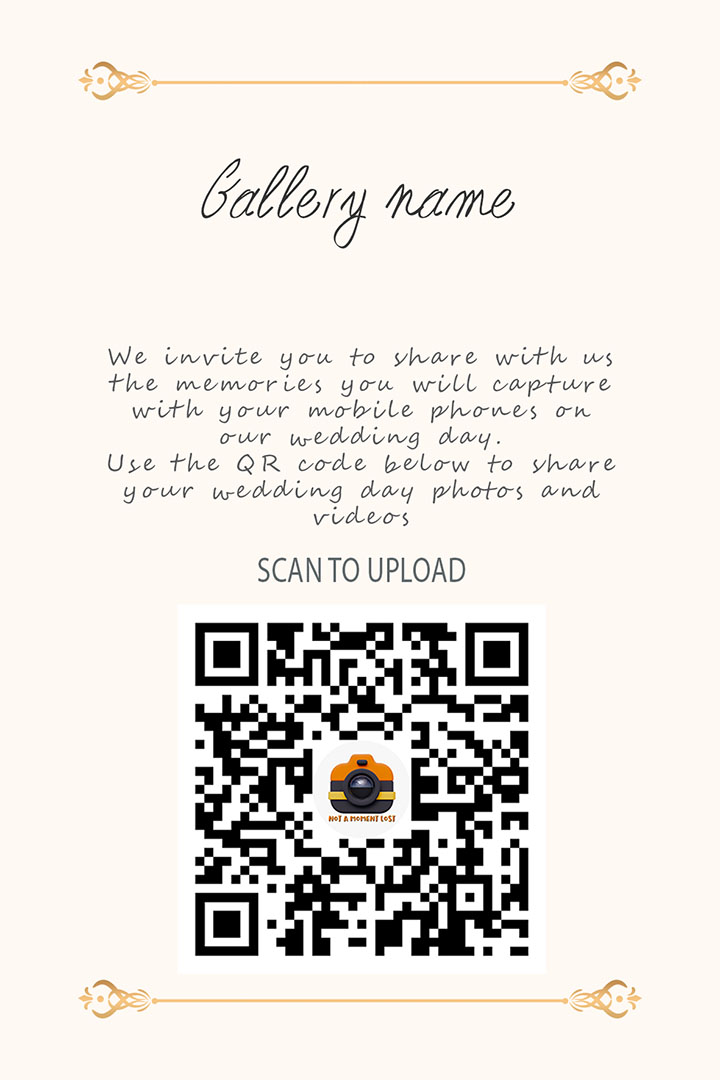
Choose Your Template Style
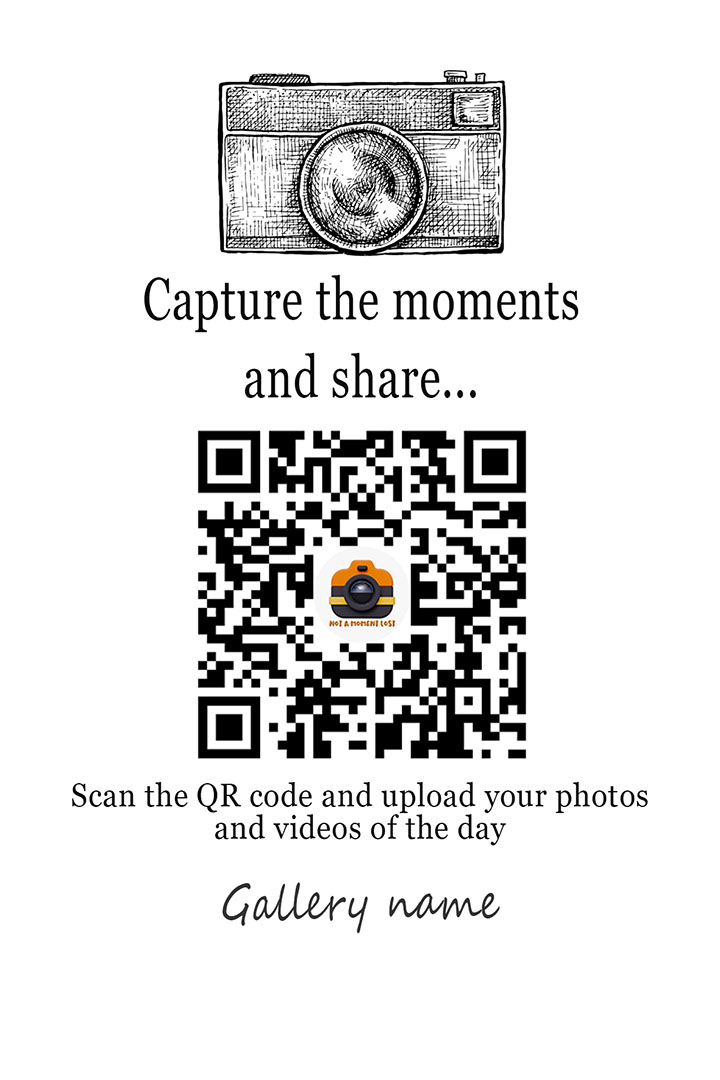
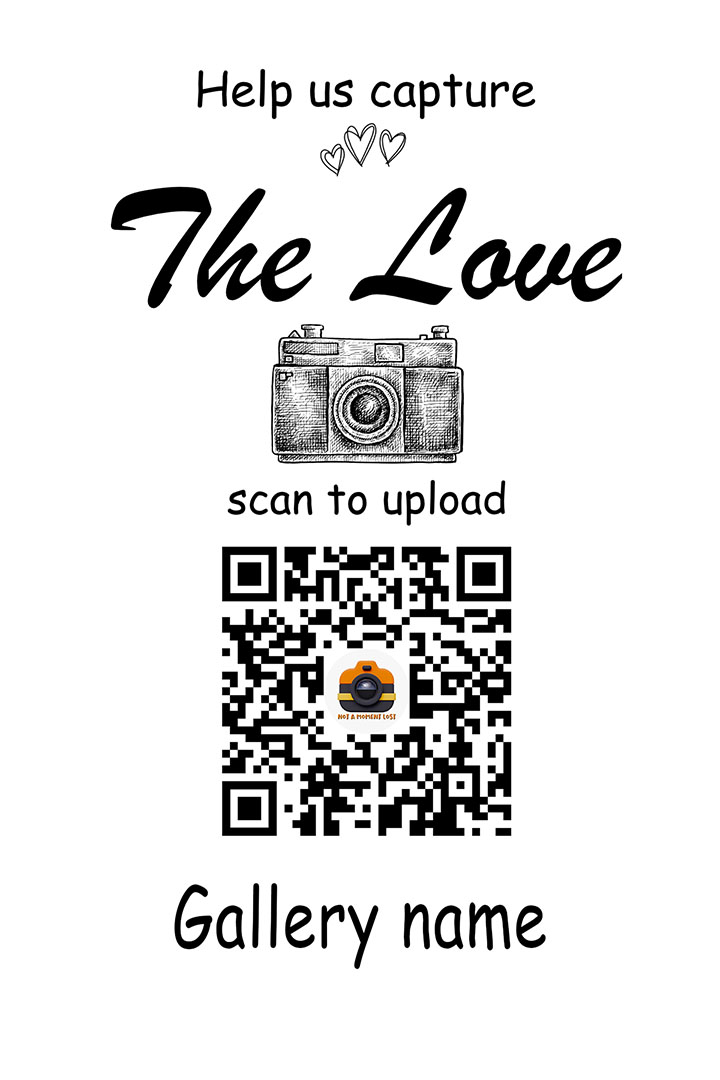
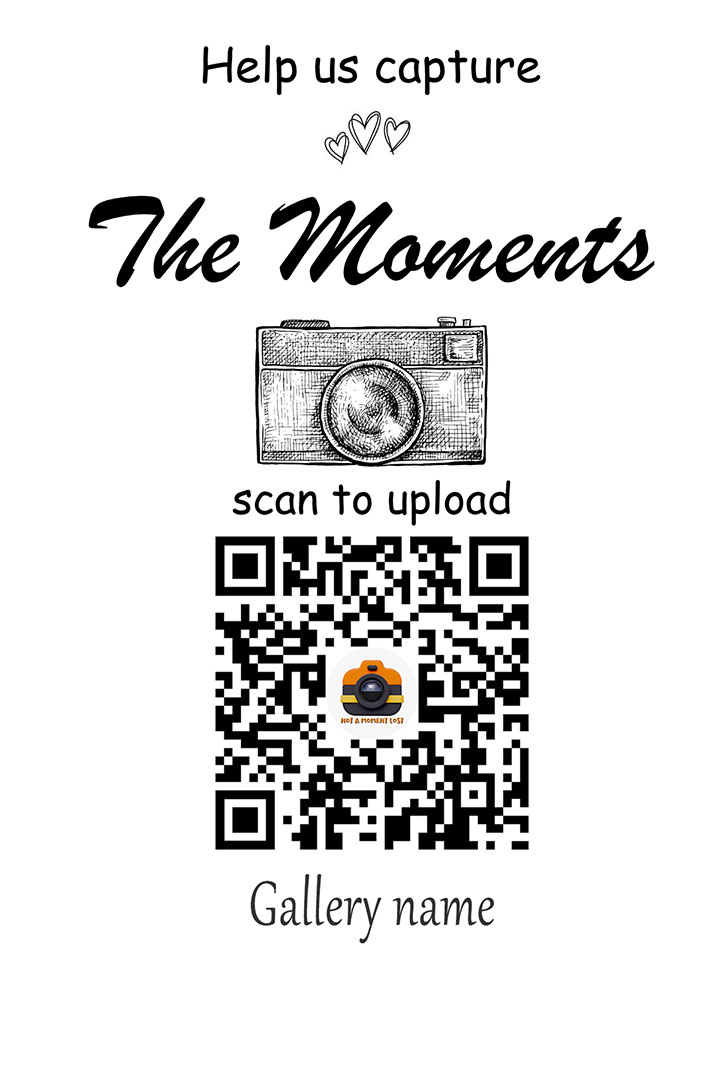
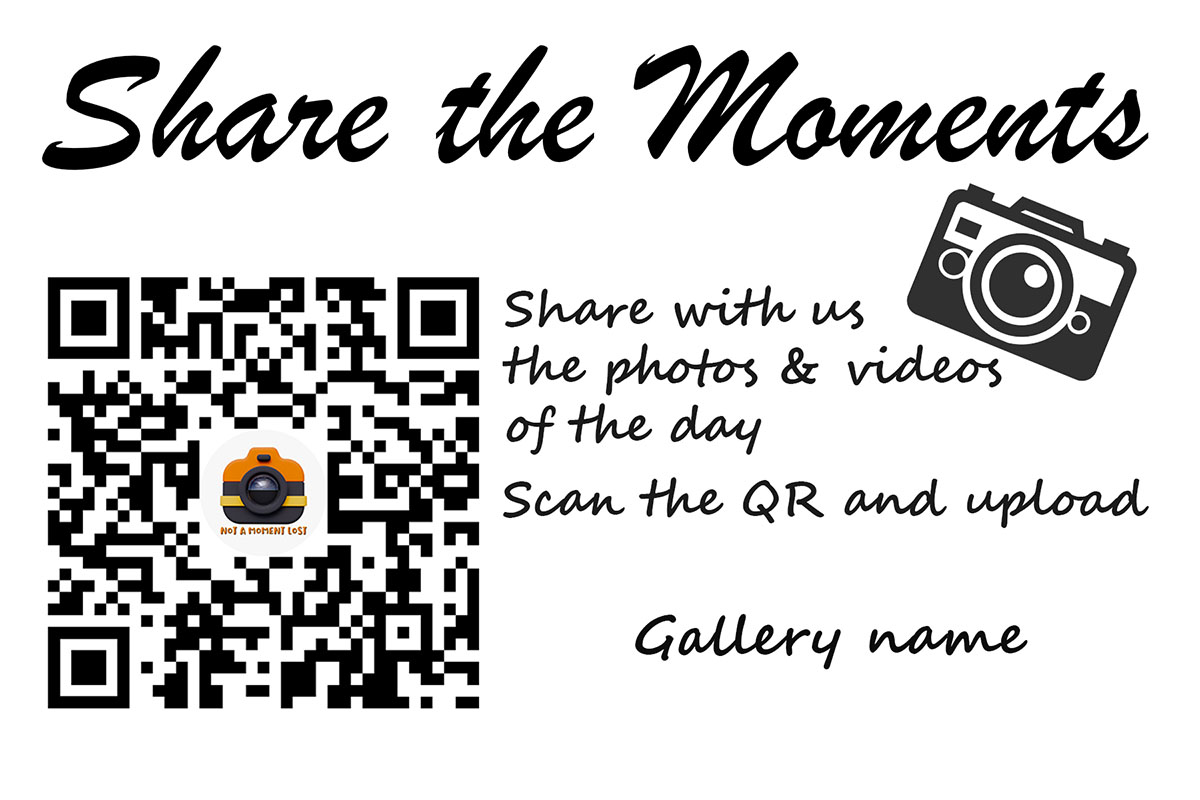
Every QR gallery comes with a selection of beautifully designed templates — ready to match the style of your event.
From minimal and elegant to playful and bold, you can choose the design that fits your mood, your branding, or your special day.
Prefer something more personal?
You can simply receive only the QR and use your own custom design.
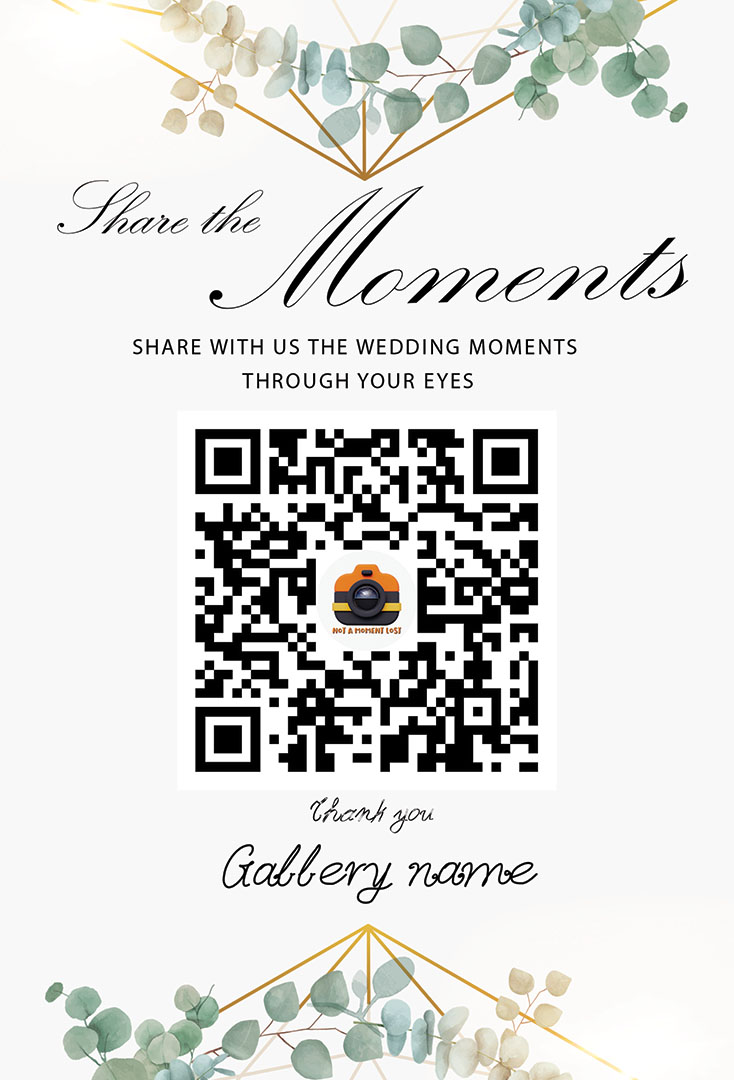
Included in your package • No extra cost
Do you have any questions?
Yes of course, it’s all yours to download, share, keep.
YES, there is nothing to limit you, all you need is to display the QR code and have access to the internet and you will be able to access your photo gallery.
Simply display your QR code at your wedding or event for people to scan and upload their photos and videos. It always helps to mention what the QR code is for.
After you purchase your QR code , we will create your photo gallery with the name you provide us and then create a unique QR code and link. We will email you these details to use at your wedding or event. Print and display the QR code as you wish. Your guests and friends don’t need an app or sign in to an account to upload and view photos, it’s all done simply with their mobile browser.
The QR code can be used normally until the expiration date of your gallery.
Please note that you cannot delete photos and videos from a previous use of the gallery and all photos and videos will be available and accessible upon new use.
The photo gallery will remain active for six (6) months from the date of purchase. During the order there is an option to extend this time.
Your collection can accommodate easily thousands of photos and videos.
With Not a Moment Lost!, access depends on the plan selected for the event:
Basic Plan
Anyone who scans the QR code can upload, view, and download all shared photos and videos in full resolution. Everything is designed to be simple, open, and effortless for all guests.
Privacy Upgrade
Anyone who scans the QR code can upload and view all shared photos and videos. Downloads in full resolution require a private access code provided by the event host (he who orders the service). This gives the host full control over who can download the original files.
Please note: In both plans, no guest can delete photos or videos from the gallery.
In the activation email you will receive the QR as a PNG file, dedicated links to upload/view your gallery and if you select the Privacy upgrade you will also receive the host code needed to to download the photos and videos.
If you also select a template, you receive a ready-to-use JPG file (4×6 format) with your QR code and your selected gallery name, optimized for both digital use and printing.